Frequently Asked Questions
Does Auto Care Plus sync across devices?
Yes. Auto Care Plus uses iCloud to sync your data across all your Apple devices automatically. Your
records are always up to date whether you are on your iPhone, iPad, or Mac.
I just upgraded my phone. How do I get my data back?
Sign in to your new iPhone with the same Apple ID you used before and make sure iCloud is enabled.
Open Auto Care Plus and your garages, autos, and service records sync back down automatically. No
manual backup or restore is needed.
Can I track multiple cars in Auto Care Plus?
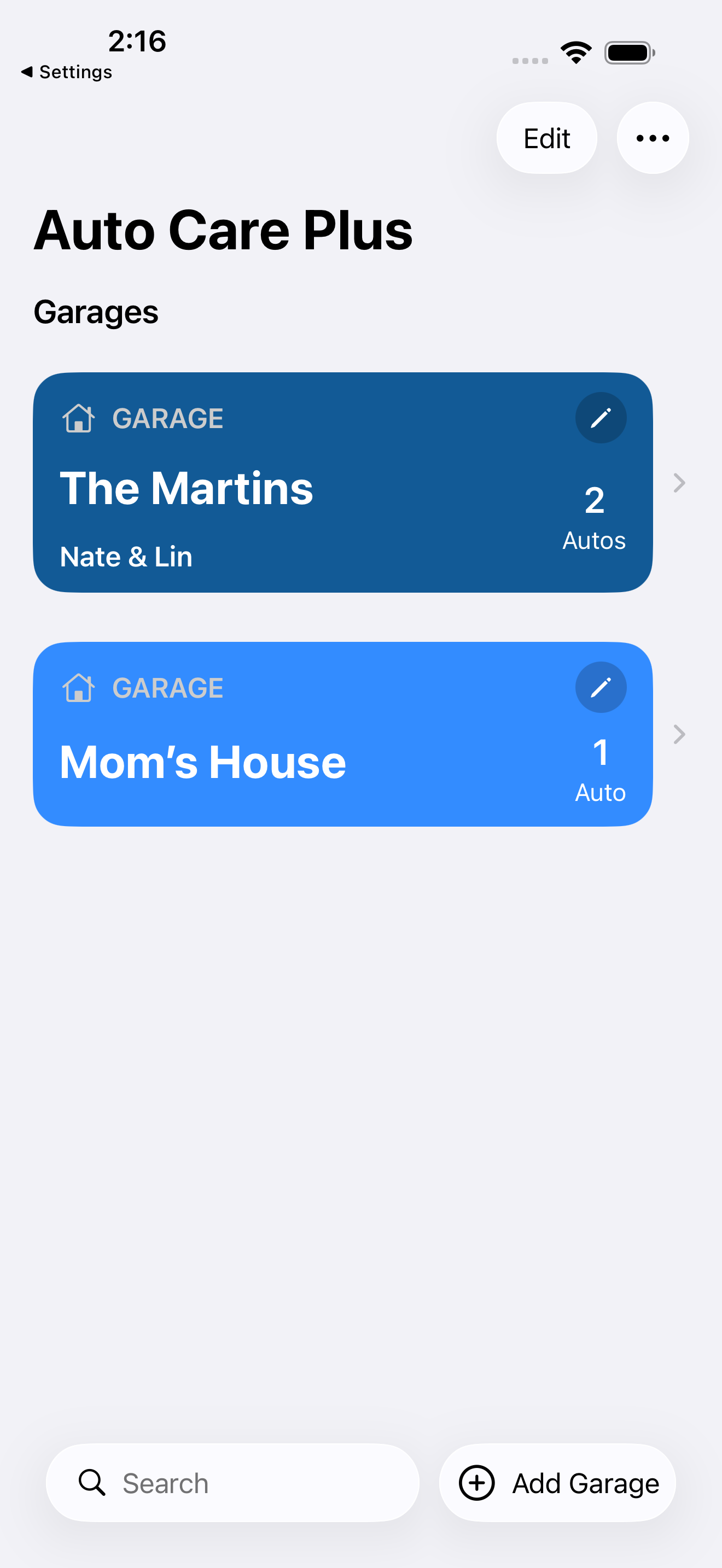
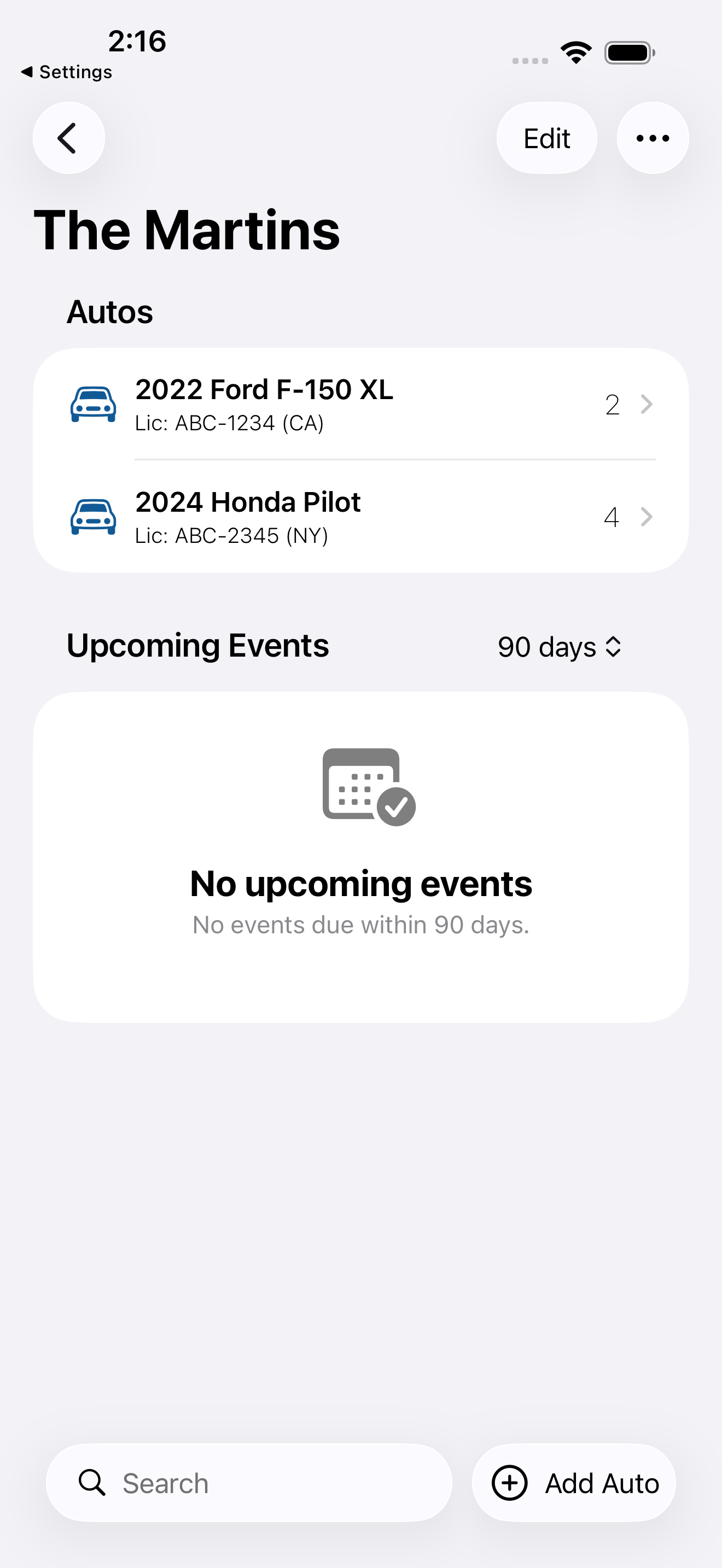
Yes. Auto Care Plus supports unlimited garages and autos, so you can manage your whole household or
a small fleet from one place.
How do I check my car for open safety recalls?
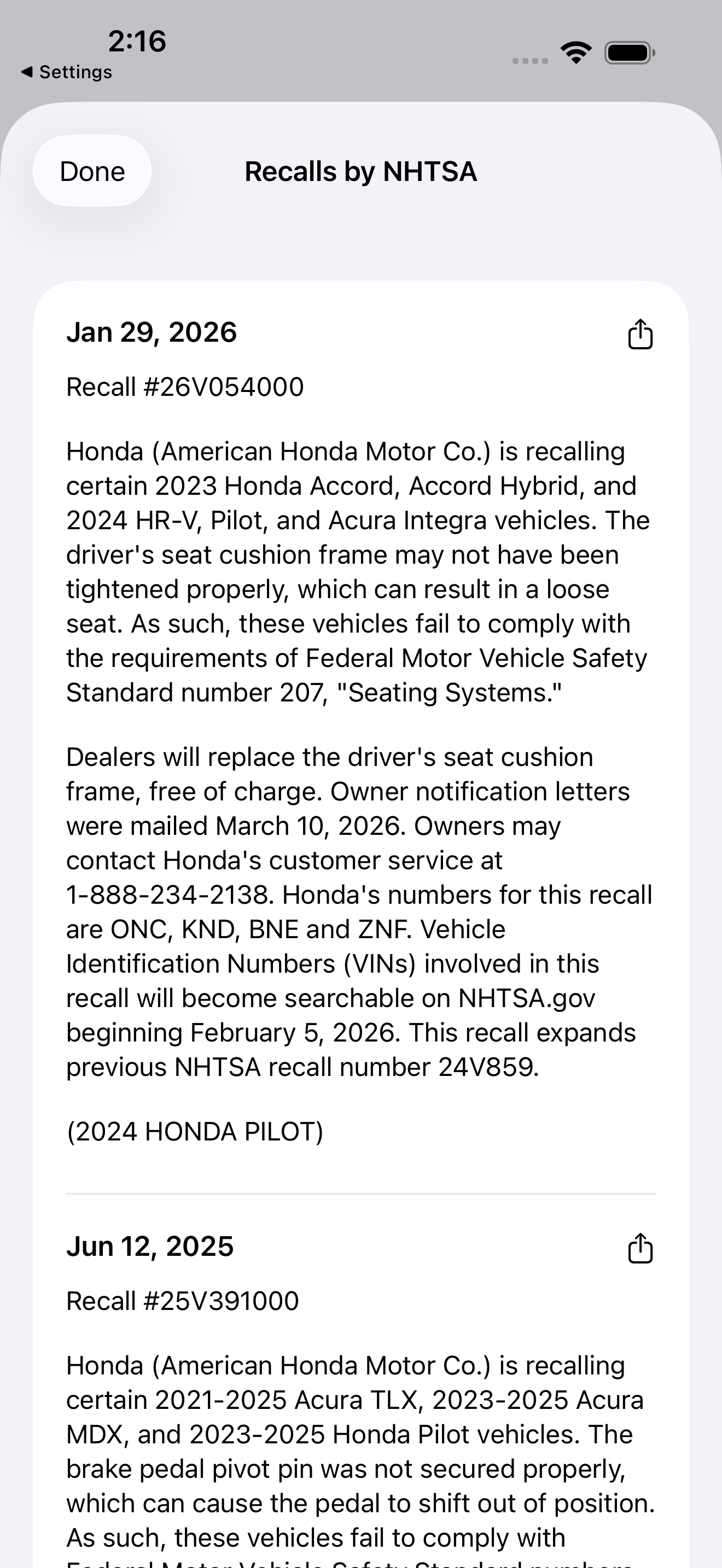
Auto Care Plus checks your auto against the NHTSA recall database right inside the app. Open your
auto, view its recalls, and share the details if a repair is needed.
Can I share an auto with someone else?
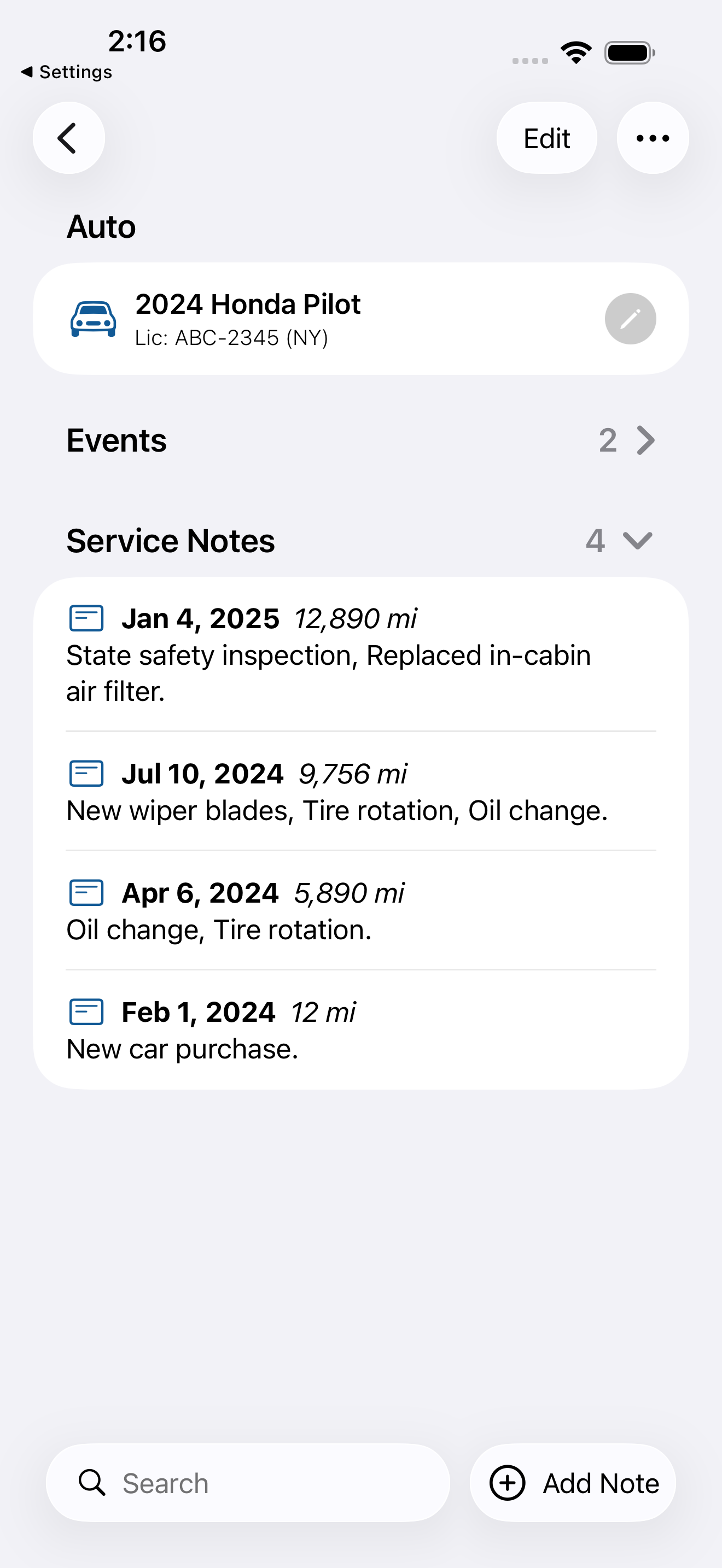
Yes, in two ways. You can collaborate on an auto by inviting another user: both of you can add and
edit service records, and changes are visible to each other automatically. You can also share a
service note as text via email or Messages without giving edit access.
Is my data private?
Yes. Your records are stored in your own iCloud account and are never linked to you. The app does
not collect or sell your data.
How do I change distances to kilometers?
Open the Settings tab, tap Distance Units, then choose Kilometers. Your mileage readings and
What's Next? predictions are shown in kilometers everywhere, and the setting syncs across your
devices through iCloud.
Do I need an account to use Auto Care Plus?
No. There is no account to create and no password to set. Your records go straight into your own
iCloud account and sync to your other Apple devices from there, so nothing is stored on a Moonwink
Software server.
Can I export my service records?
Yes. Open Settings and choose Export to write your whole history to a backup file. Import reads a
backup back in, so you can move your records or keep a copy outside the app.
Can I log a service note with Siri?
Yes. Siri, Spotlight, and Shortcuts reach the app directly. You can add a note, log mileage, ask
what is due, check recalls, or decode a VIN without opening it.
What iOS version does Auto Care Plus require?
Auto Care Plus requires iOS 18.0 or later, and also runs on macOS.